Supplies you will need.
Spray paint, whatever kind you prefer.
Masking Tape
Patience
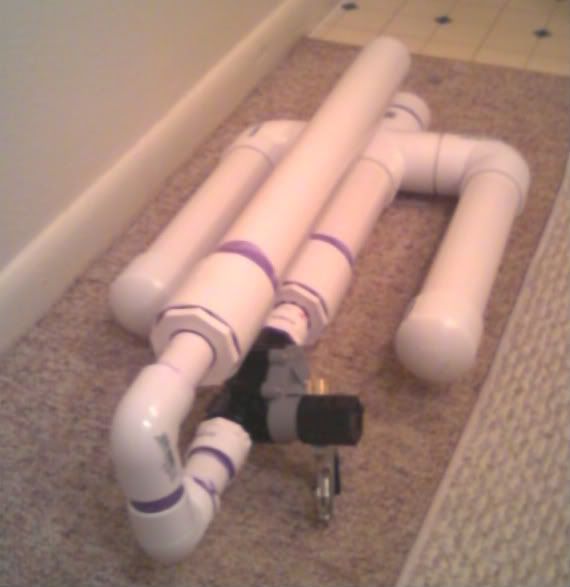
First start with your unpainted cannon like so.
<a href="http://s273.photobucket.com/albums/jj23 ... 81800a.jpg" target="_blank"><img src="http://i273.photobucket.com/albums/jj23 ... 81800a.jpg" border="0" alt="Photobucket"></a>
Next decide on a color scheme. I chose Black and green to keep it simple. You can add more colors to the pattern if you like, this techinique is really simple.
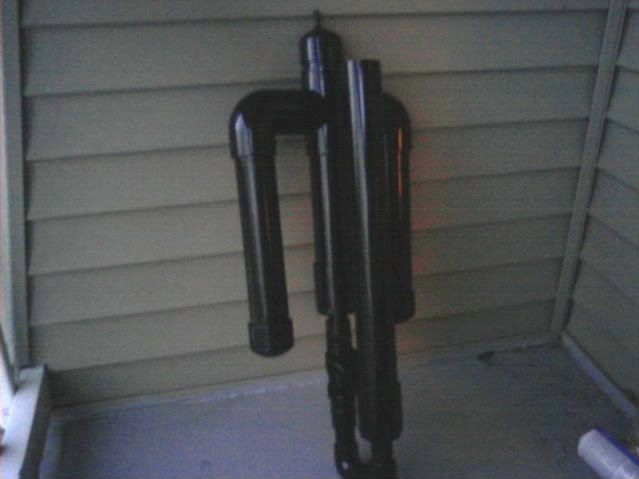
I wanted the stripes to be black. First, paint your cannon what ever color you want your stripes to be. Like the following.
<a href="http://s273.photobucket.com/albums/jj23 ... 082030.jpg" target="_blank"><img src="http://i273.photobucket.com/albums/jj23 ... 082030.jpg" border="0" alt="Photobucket"></a>
After the paint dries it's time to lay out your Tiger stripe pattern.
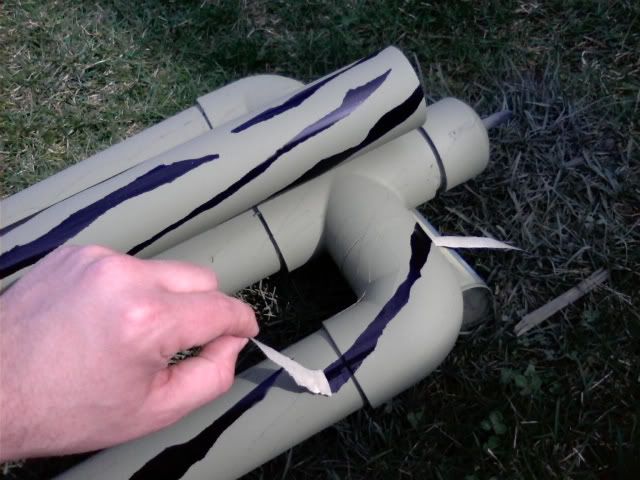
Start with long strips of tape and begin tearing along the edges of the tape. You do not want to use the hard edge of the tape. Otherwise it will look like a barber pole instead of a tiger stripe. Do this to both sides of your strip of tape so it is jagged on both sides. Tear the tape so it comes to a point on either end.
Next layout our pattern directly on the cannon like so. The nice thing about this is that you cannot mess up. If you don't like how the pattern looks just rearrange the tape until you get what you want. Remember, wherever you put the tape the color underneath will remain.
<a href="http://s273.photobucket.com/albums/jj23 ... 081314.jpg" target="_blank"><img src="http://i273.photobucket.com/albums/jj23 ... 081314.jpg" border="0" alt="Photobucket"></a>
After you get a pattern that you are happy with spray the cannon with your next color. I chose green. Wait for the paint to dry before taking off the tape.
<a href="http://s273.photobucket.com/albums/jj23 ... 081706.jpg" target="_blank"><img src="http://i273.photobucket.com/albums/jj23 ... 081706.jpg" border="0" alt="Photobucket"></a>
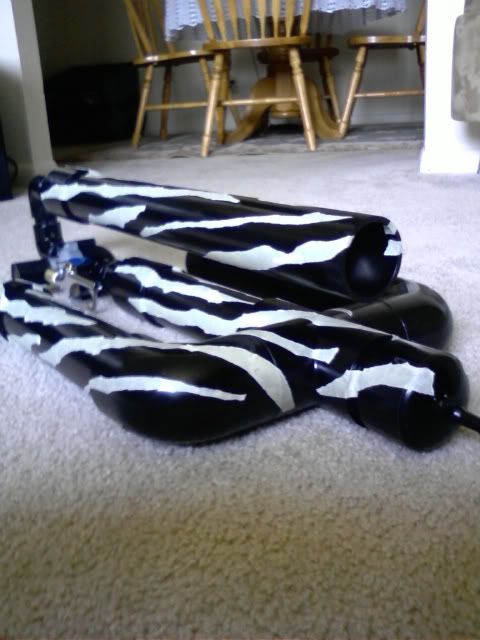
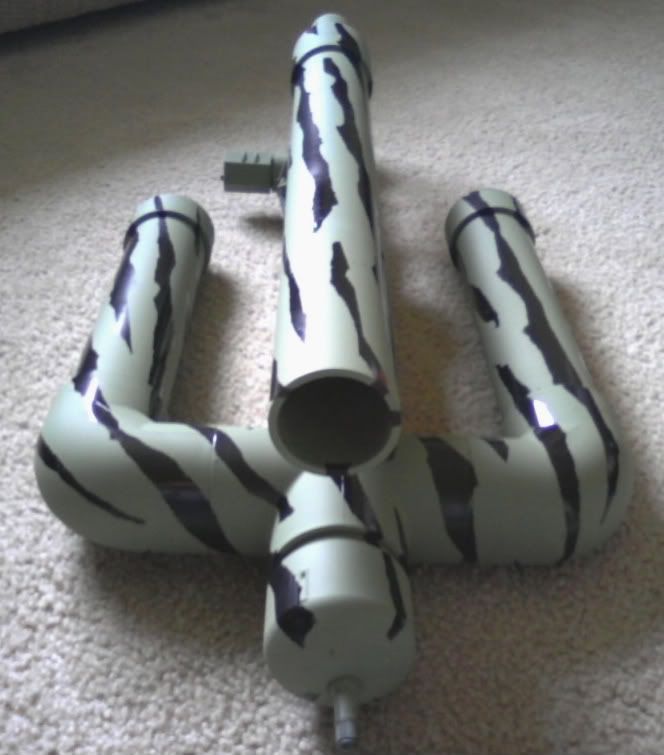
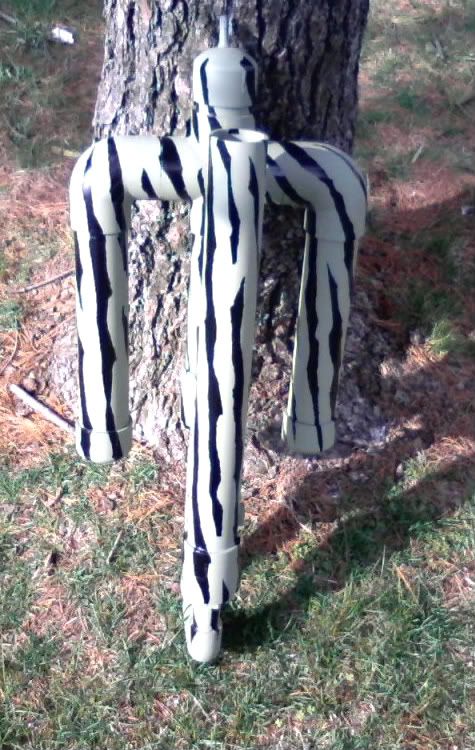
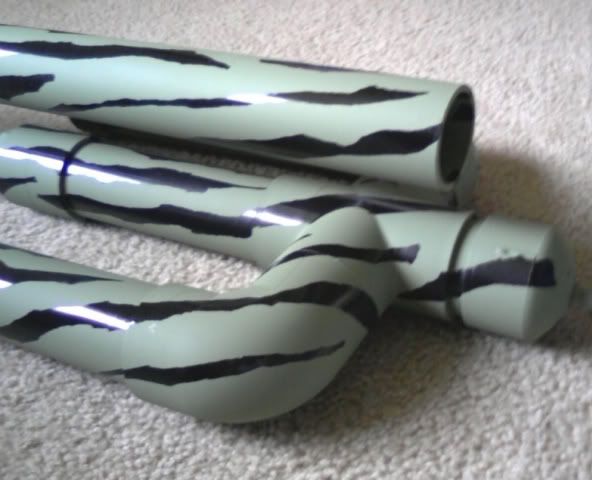
Finished results
<a href="http://s273.photobucket.com/albums/jj23 ... 81724a.jpg" target="_blank"><img src="http://i273.photobucket.com/albums/jj23 ... 81724a.jpg" border="0" alt="Photobucket"></a>
<a href="http://s273.photobucket.com/albums/jj23 ... 081720.jpg" target="_blank"><img src="http://i273.photobucket.com/albums/jj23 ... 081720.jpg" border="0" alt="Photobucket"></a>
<a href="http://s273.photobucket.com/albums/jj23 ... 081724.jpg" target="_blank"><img src="http://i273.photobucket.com/albums/jj23 ... 081724.jpg" border="0" alt="Photobucket"></a>
I hope this helps. This is very simple and the results will give your vanilla looking cannon some style that is all your own.
How to paint Tiger Stripe camo
-
ImHUGEnJAPAN
- Private 4

- Posts: 77
- Joined: Thu Apr 03, 2008 12:08 pm


Very nice painting technique 
Nice howto, clearly explained.
I might use it sometime.
Nice howto, clearly explained.
I might use it sometime.


-
THUNDERLORD
- Sergeant 3

- Posts: 1264
- Joined: Fri Mar 28, 2008 1:42 pm
Great tutorial Thanks very much for the how-to. Really good camo.
Now I'm off to tiger-stripe some stuff!!!
Now I'm off to tiger-stripe some stuff!!!


 I'll use this on my gun in the making.
-
daxspudder

- Specialist 3

- Posts: 300
- Joined: Thu Apr 24, 2008 10:22 pm
You can also use this technique in any paint application you want, Ive used it for bumble bee striping, stars, stripes, diamonds, flames, anything you want.
"<I>For dare to be peace, I have to keep at it everyday, da Man doesn't take days off so neither can I</I>" -<B>Bob Marley</B>, day before a performance, a day after being shot in the chest. "<I>If you are the big, big tree, we are the small axe, ready to cut you down!</I>" -Bob again :brave:
Create an account or sign in to join the discussion
You need to be a member in order to post a reply
Create an account
Not a member? register to join our community
Members can start their own topics & subscribe to topics
It’s free and only takes a minute
Sign in
-
- Similar Topics
- Replies
- Views
- Last post
-
- 6 Replies
- 2954 Views
-
Last post by Gippeto
-
- 11 Replies
- 5738 Views
-
Last post by twizi
-
- 20 Replies
- 6400 Views
-
Last post by Willdebeers
-
- 9 Replies
- 6314 Views
-
Last post by grum7n7
-
- 9 Replies
- 3616 Views
-
Last post by VH_man